
Unbeaten Road Safety With 1st Radar Detectors
Experience unmatched protection with our advanced radar & laser jammer system, featuring front and rear radar detection, RDD invisibility, Ka frequency programming, web updates, and intelligent false alert learning.
Our Product Range
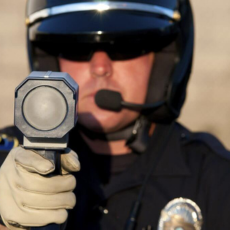
PROTECTION FROM POLICE RADAR
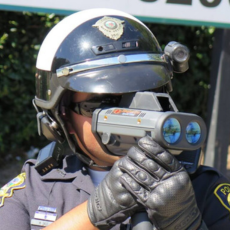
PROTECTION FROM POLICE LASER
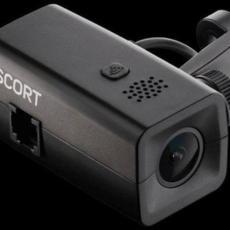
RECORD THE ROAD AHEAD
UNBEATEN PERFORMANCE TESTING
- Comprehensive Assessment: Evaluating the performance, reliability, and durability of every radar detector in our range.
- Real-World Scenarios: We subject each product to a battery of real-world scenarios to accurately measure its effectiveness and capabilities.
- Building Confidence: You can trust that the radar detectors we offer have been proven to perform in various challenging situations.
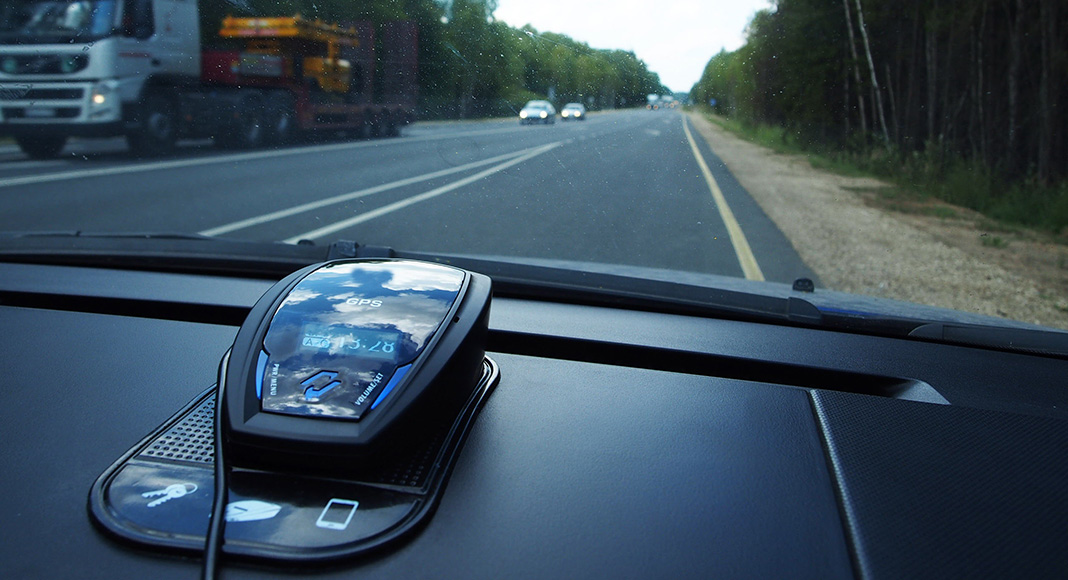
OWN THE BEST PROTECTION
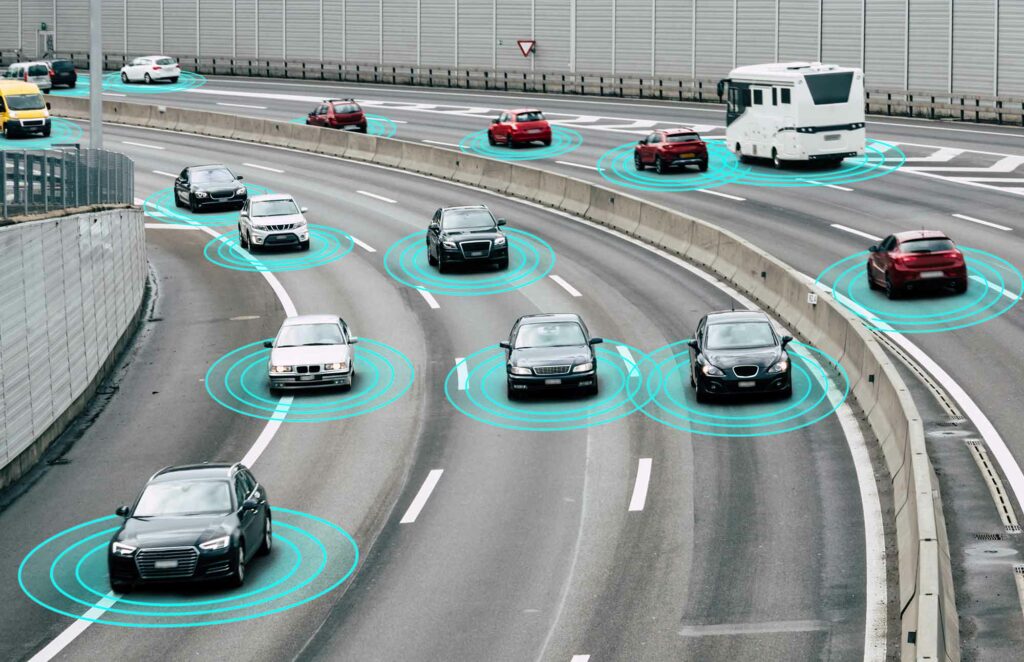
At 1st Radar Detectors, we believe that every driver deserves the best protection on the road. That’s why we offer a carefully curated selection of radar detectors, laser jammers, dash cameras, and jump starters to ensure that you have the ultimate tools to enhance your driving experience and safeguard your journey.
At 1stRadarDetectors, we offer a wide variety of radar laser detectors, including Beltronics, Passport Max, Valentine One, and Escort Passport.
As an authorized dealer for Blinder HP905, Beltronics, and Escort Radar, we can help you find the perfect device to suit your needs.
“John, first, I want to thank you for your advice and assistance. The install of the Beltronics STi-R Plus went well and the advice you gave me when I ran into problems fixed the issue. Second, It WORKS. In the short period of time that my system has been up and running, it has saved the day twice. With the fast driving awards we have in my state it has more than paid for itself in fines alone. Not counting the hassle that I would have gone through. Again, Thank You for your advice and a product that works.”
FAQ
What is 1st Radar Detectors?
1st Radar Detectors is a company specializing in the sale and installation of radar detectors and related accessories. We are committed to providing high-quality products, efficient installation services, and excellent customer service to ensure you have a superior driving experience.
Can radar detectors be used legally?
The legality of radar detectors varies by country, state, or province. In the U.S., they are generally legal in personal vehicles except in Washington D.C. and Virginia. Commercial vehicles are prohibited from using them nationwide. Some countries, like Australia and many European countries, also have restrictions. We recommend checking your local laws before purchasing.
What is the range of a typical radar detector?
The range of a radar detector depends on its design and the conditions of use. High-end models can typically detect radar signals from several miles away. However, the actual detection distance can be influenced by factors such as terrain, weather and the presence of other vehicles.
Can radar detectors detect all police speed radar guns?
While radar detectors are designed to detect a wide range of police radar bands (X, K, Ka), they may not detect all types of speed measurement devices. Some police departments use LIDAR (laser) technology or newer radar technology that may be more difficult for some detectors to identify.
How are radar detectors installed?
Radar detectors can be installed in various ways depending on the model and the specific needs of the user. Some can be simply mounted on the windshield or dashboard, while others can be hardwired into the vehicle’s electrical system for a cleaner, more integrated appearance. We at 1st Radar Detectors offer professional installation services for those who prefer expert assistance.
Can a radar detector interfere with other devices in my car?
Some older radar detectors might cause interference with other electronics, but modern radar detectors are designed to avoid this problem. If you experience any interference, please consult the device’s manual or contact our customer service.